Declarations
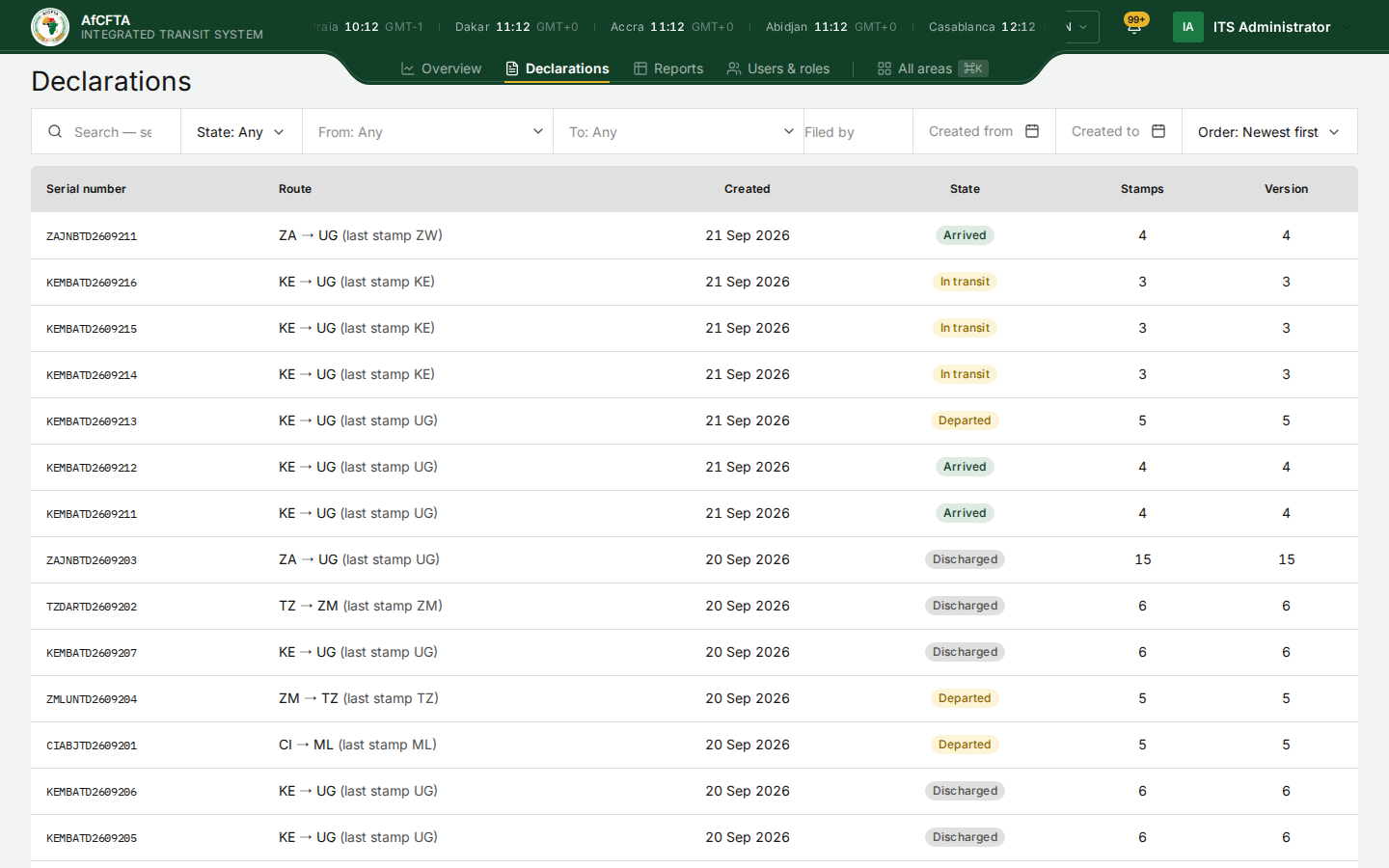
Declarations is the register: every transit declaration your organisation may see, newest first, one row each. From here you find a declaration and open it.
Who can see this screen
Anyone whose account can read declarations: the Secretariat, State Party administrators and REC administrators.
How to open it
- Select Declarations in the header.
- Or open All areas and select All declarations under Work.
What you see depends on who you are
| You are | The register lists |
|---|---|
| The Secretariat | Every declaration on the continent |
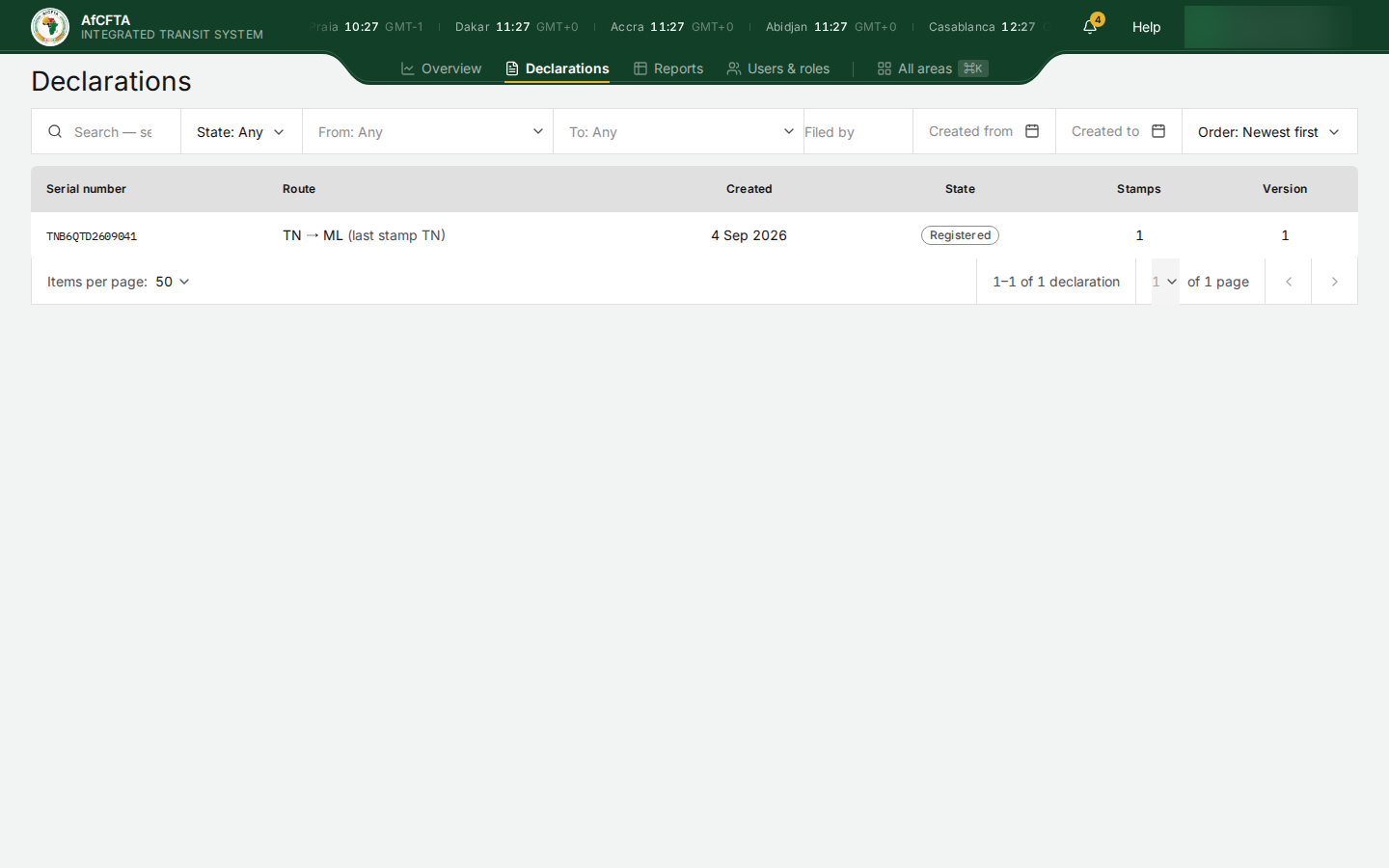
| A State Party | The declarations touching your territory: lodged in your country, stamped by it, sent to it next, or bound for it |
| A REC | The same, for the member states you administer |
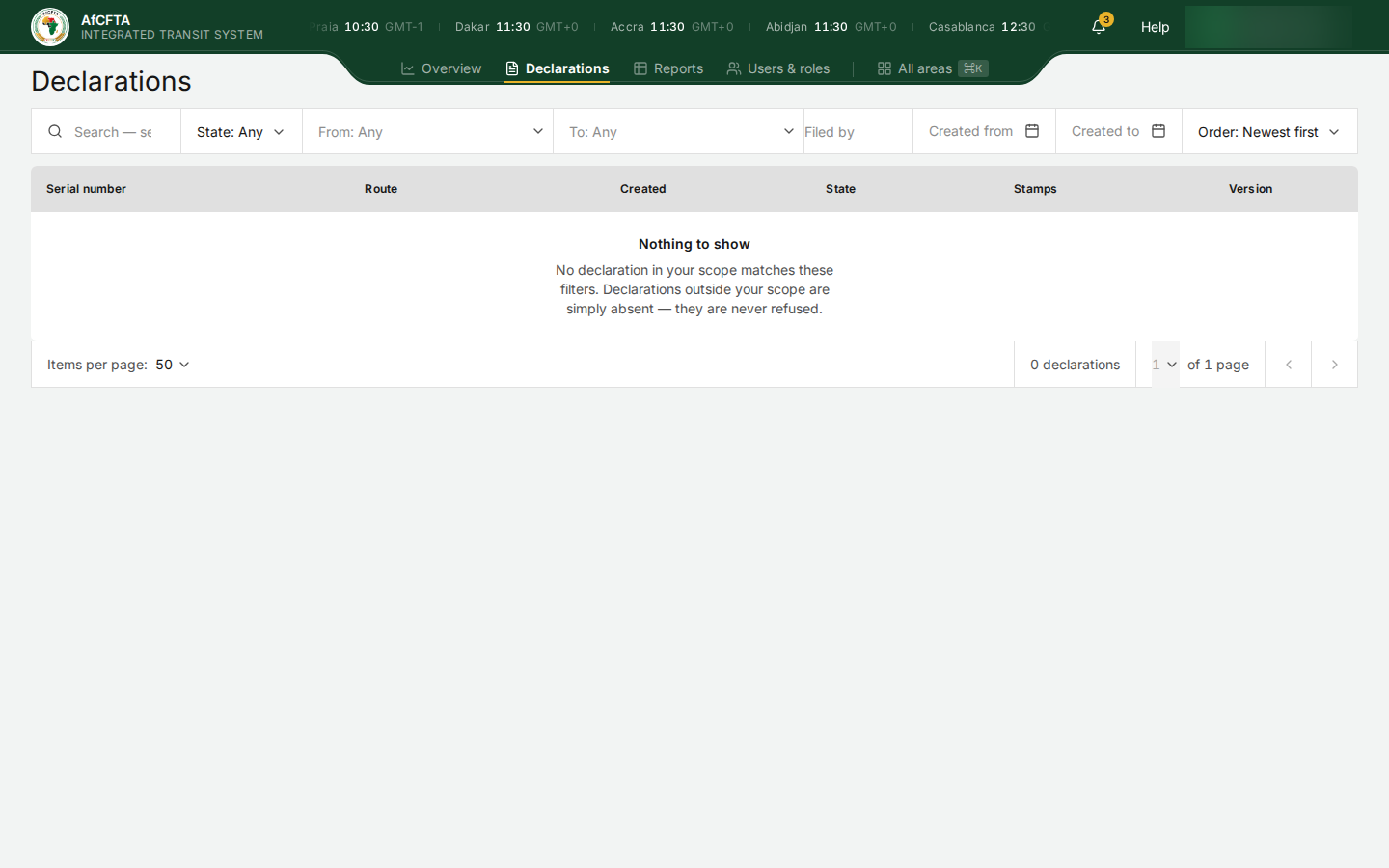
A declaration outside your scope is simply absent. It is never listed as refused, and never named.
There is no lodge button
The register has no button to lodge or register a declaration, for anyone. Declarations reach ITS from each departure country's customs system, and every stamp from the customs system of the country that cut it. The portal is where you read them.
A page titled Register a declaration opens if you type its address (the register's address with /new in place of /list). It is not offered anywhere in the portal and is not how your administration lodges declarations. Do not use it: lodging is done by your customs system through the ITS API. See Lifecycle and stamps.
The columns
| Column | What it shows |
|---|---|
| Serial number | The declaration's serial number. Select it, or anywhere on the row, to open the declaration. It is a real link, so you can open it in a new tab |
| Route | The departure and destination countries as codes, such as ZA → UG, and in brackets the country of the latest stamp: (last stamp ZW) |
| Created | The day it was lodged, in your browser's time zone |
| State | Where it stands. See Statuses and colours |
| Stamps | How many stamps ITS has received |
| Version | The number of the latest version |
Every stamp adds a version, and lodging writes the first stamp and the first version together. The two numbers differ only when a declaration was also corrected, had documents attached or was cancelled.
Search
The search box at the left of the filter row finds declarations by:
- a serial number, or part of one;
- the name of a party (consignor, consignee, declarant or transporter);
- a container number;
- a vehicle plate, as lodged.
To look for several declarations at once, paste several serial numbers separated by commas or on separate lines.
- Select the search box, marked Search — serial, party, container, plate. Enter to search.
- Type what you are looking for.
- Press
Enter, or click elsewhere on the page.
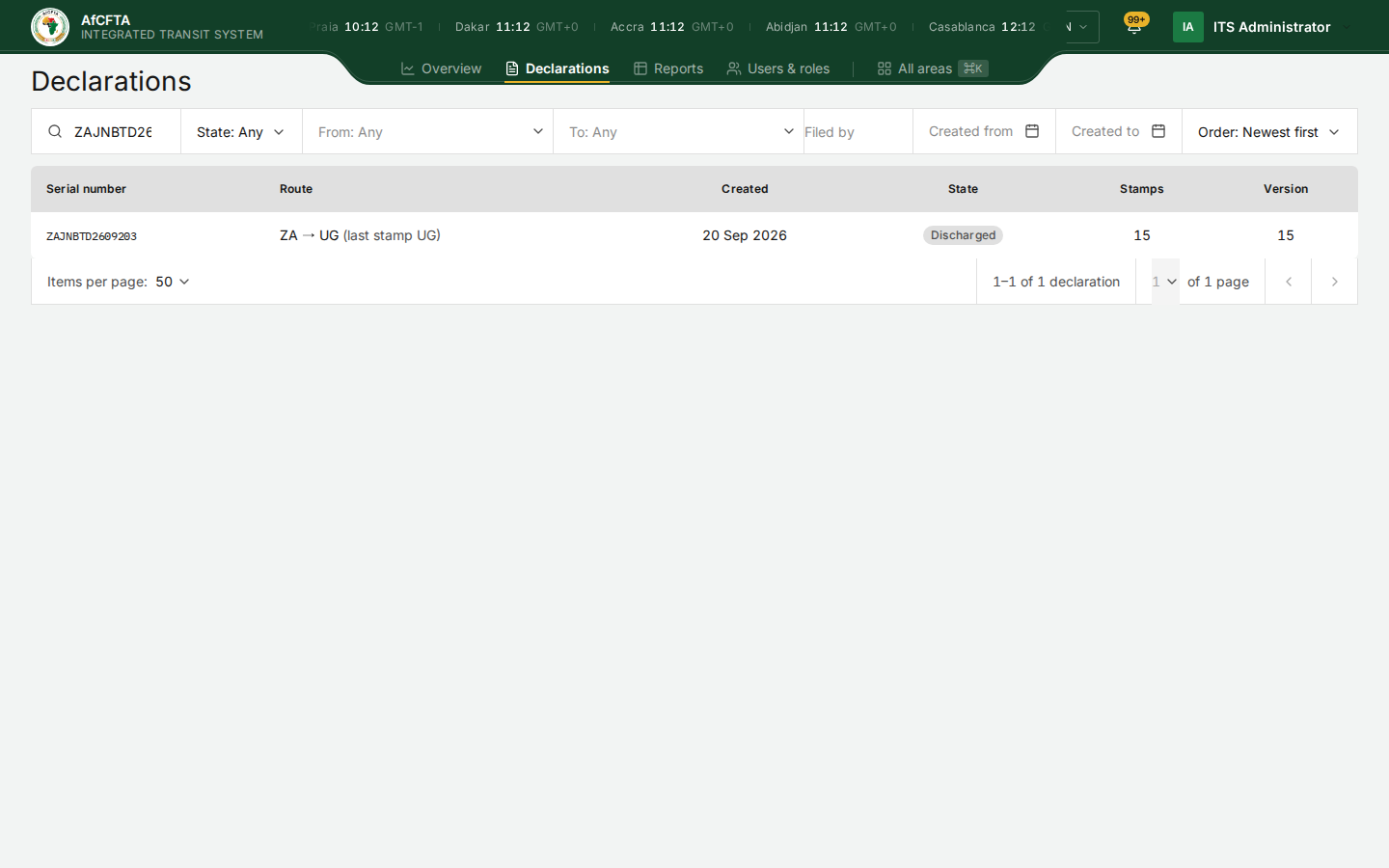
The search is kept in the page address, so you can copy the address and share the search with a colleague who has the same scope.
The filters
| Filter | Shows when cleared | What it does |
|---|---|---|
| State | Any | Only declarations in the states you tick: Registered, Departed, In transit, Arrived, Discharged, Cancelled. Tick several to combine them |
| From | Any | Only declarations departing from the countries you choose |
| To | Any | Only declarations bound for the countries you choose |
| Filed by | Empty | Only declarations filed by the organisations you type, as country or REC codes separated by commas, such as KE, UG |
| Created from / Created to | Empty | Only declarations lodged on or after, or on or before, the days you pick |
| Order | Newest first | Newest first or Oldest first, by the day lodged |
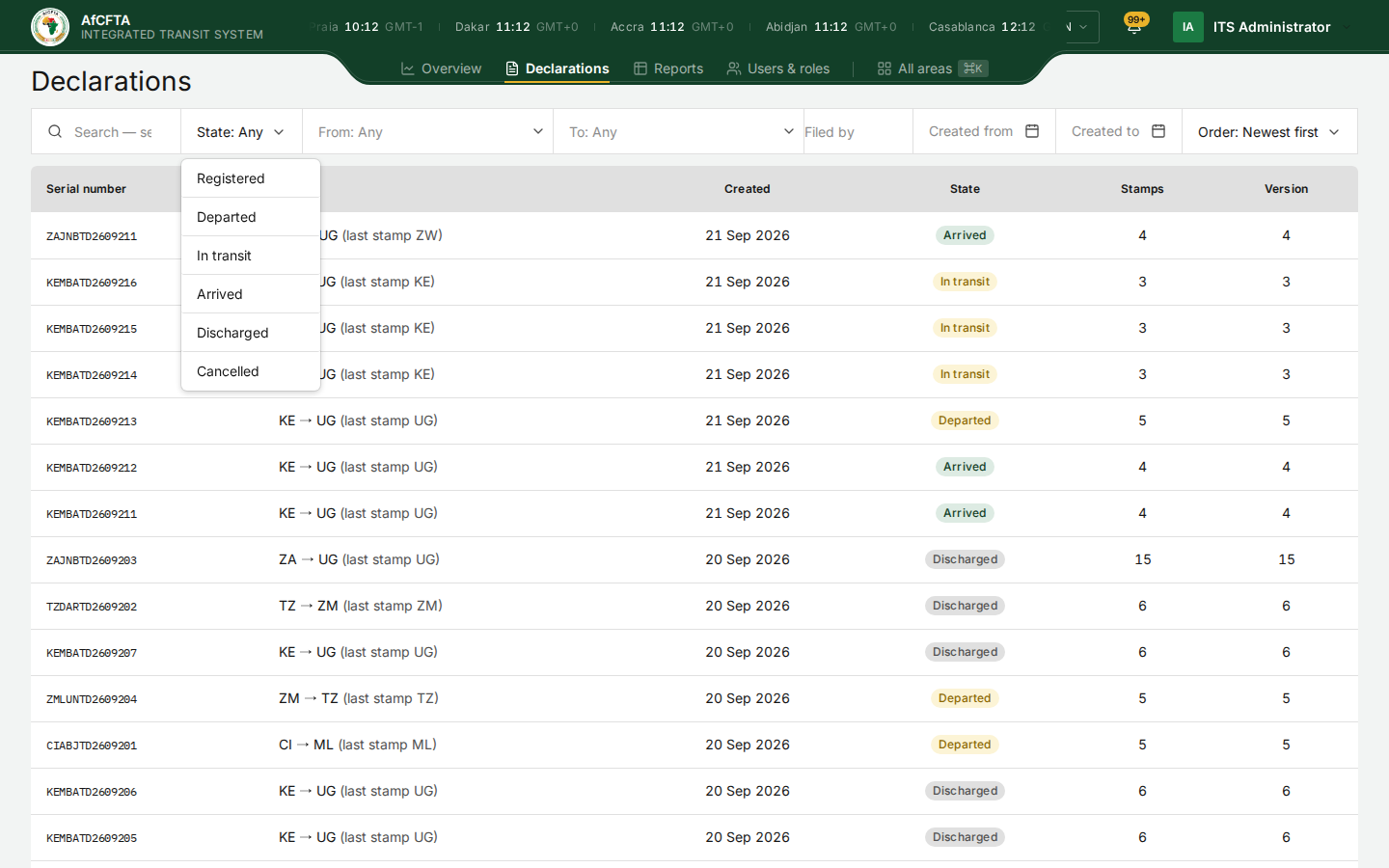
To clear a filter, untick everything in it, or empty its box. There is no single "clear all" button; to start again, select Declarations in the header.
- If Created to is earlier than Created from, the date range is ignored and a message says so.
- Filed by takes codes, not names, and does not check what you type. A misspelt code simply matches nothing.
Moving through the pages
Under the table:
- Items per page: 10, 20, 50 (the default), 100 or 200.
- 1–50 of 1,181 declarations: which rows you are looking at, out of all those in your scope that match.
- The page number, of N pages, and the arrows to move one page back or forward.
When the register is empty
| What you see | What it means | What to do |
|---|---|---|
| Grey placeholder rows | The register is still loading | Wait a moment |
| Nothing to show / No declaration in your scope matches these filters… | Nothing matches your filters | Clear the filters. If your scope really has no declarations, the register stays empty |
| Nothing to show / Nothing in your scope matches "…" | Your search found nothing | Check the spelling, or search for part of the serial number |
| Could not load declarations | The request failed | Reload. If it persists, report it with the reference shown |
The empty messages explain that a declaration that was never issued and one outside your scope look the same: both are simply absent. This is deliberate; see What the public never sees for the reasoning.
When the destination country releases the goods inland to reach an inland office of destination, the state goes back to Departed, although the goods have reached their destination country. The Route column's (last stamp UG) tells you where they are.