Public services
Two pages of ITS are open to everybody, with no account and no sign-in. They are for the people who hold a Transit Document but have no business in the console: a roadside officer checking a lorry, a declarant waiting for a consignment, a consignee expecting delivery.
| Page | Who it is for | What you need | What you get |
|---|---|---|---|
| Verify a document | Anyone holding the paper, or a photo of it | The QR code, or the 26-character code printed under it | Whether the document is genuine and still in force, and what the paper already shows |
| Track a consignment | The declarant and the consignee | The serial number and the declarant's or the consignee's TIN | Where the consignment has reached, who holds it, the guarantee and seal verdicts, and the document itself |
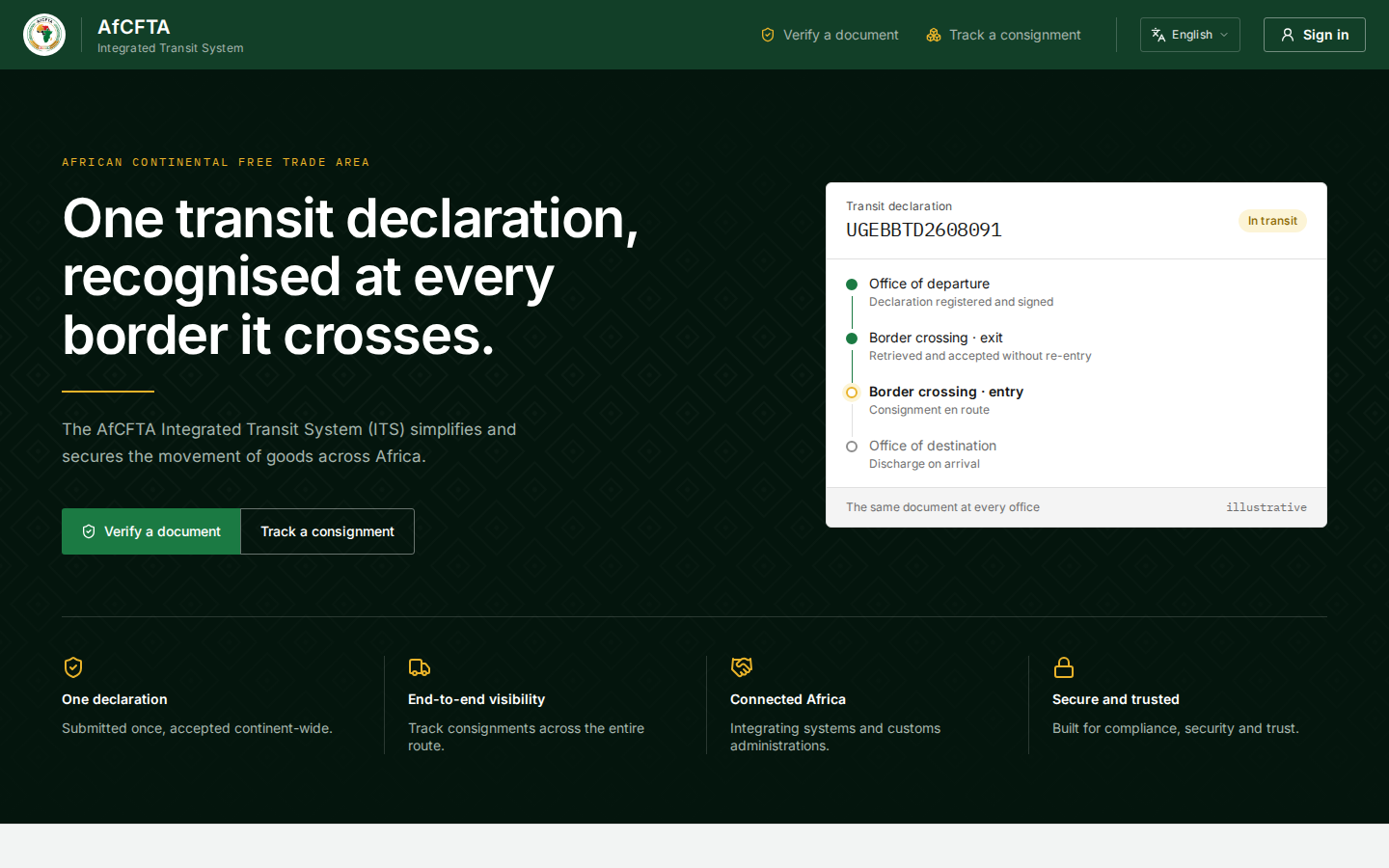
Both are reached from the top of the ITS landing page, Verify a document and Track a consignment, and, once you are signed in, from All areas.
Why there are two pages, not one
The two pages ask for different proof, because they reveal different things.
- A QR code travels further than the paper. It can be photographed at a truck stop or copied from a picture shared online. Holding one proves that somebody saw the document once, not that they have any business with the goods. So the code buys authenticity only: no more than the paper already shows.
- The serial number and a party's TIN are what the declarant and the consignee have, and a stranger does not. Together they open the live picture: where the goods are and who holds them.
Nothing public opens on a serial number alone. A serial number encodes the country, the office and the date, and runs in sequence, so a page that answered on it would let anybody walk through every declaration.
What the public never sees lists exactly what each page withholds.
A State Party can offer the same checks inside its national single window or a mobile app. The instructions for its developers are in Verify and track.